
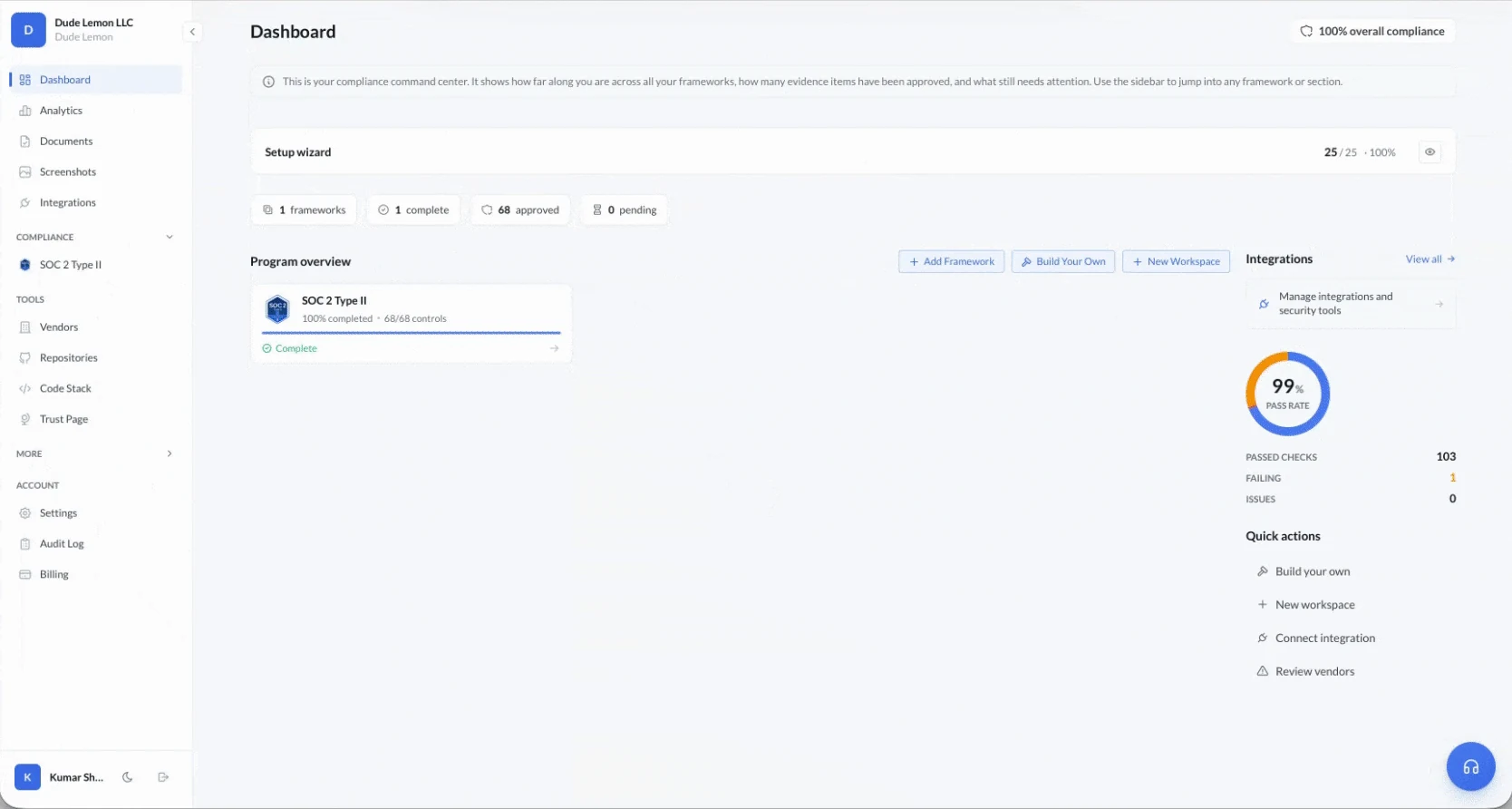
Secure, read-only access for your external auditors
Invite auditors directly from Evidr and give them instant access to approved evidence, controls, and policies. Scoped permissions ensure they only see what they need. Complete audit trails log every action.
Inside the product
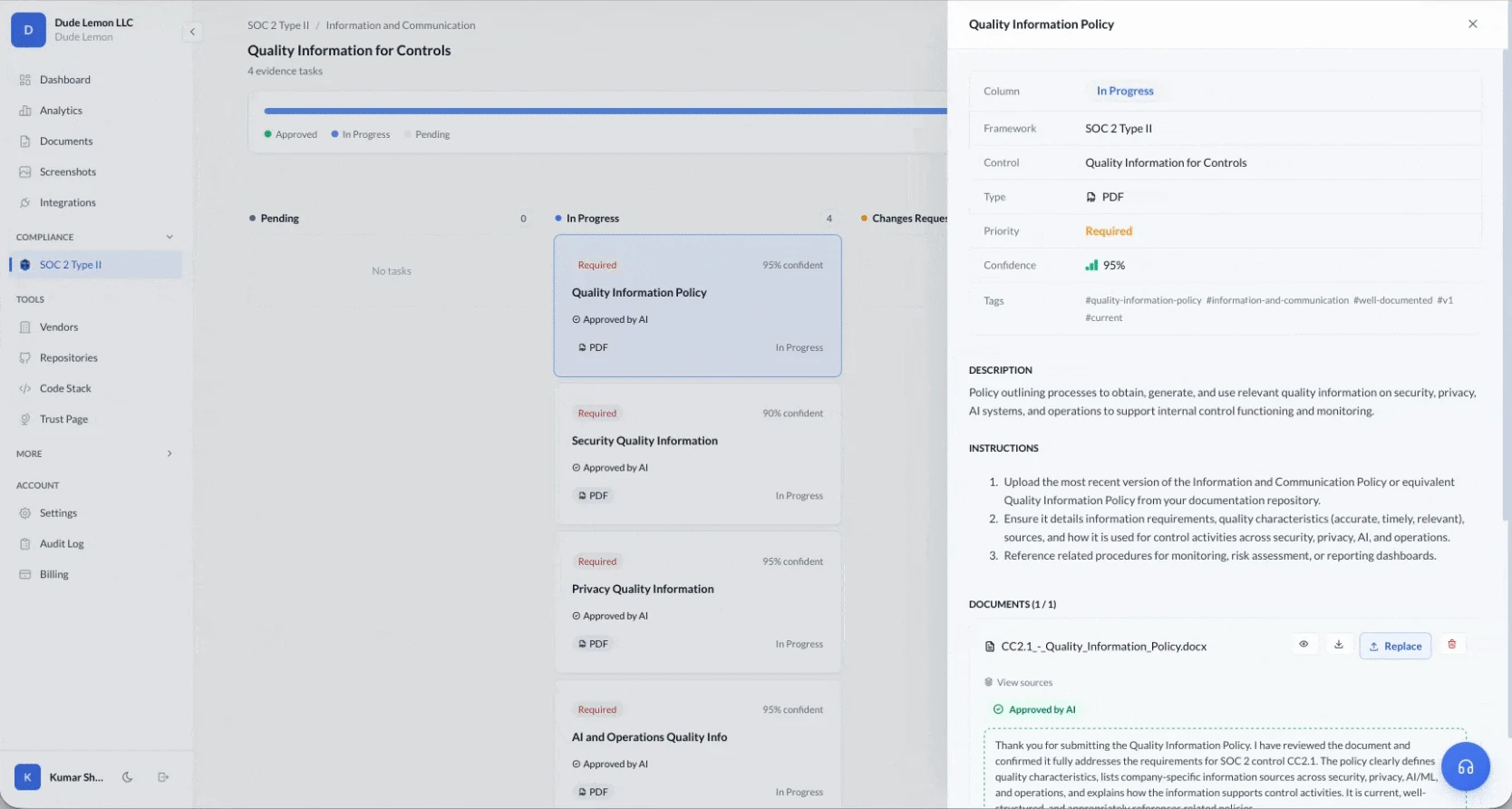
Every upload read, scored and written up.
What it does
What you get.
- Read-Only AccessAuditors see approved evidence only. No access to drafts, internal notes, or work in progress.
- Scoped PermissionsGrant access per compliance framework. Auditors only see the controls relevant to their engagement.
- Complete Audit TrailEvery auditor action is logged. Know exactly what was viewed, downloaded, and when.
- One-Click InvitesInvite auditors directly from your workspace. They get a secure link with no account setup required.
Step by step
How it works.
- Step 1 of 3Invite Your Auditor
Enter your auditor's email and select which compliance frameworks they should have access to.
- Step 2 of 3Auditor Reviews Evidence
Your auditor receives a secure link and can immediately start reviewing approved evidence and controls.
- Step 3 of 3Track and Revoke
Monitor auditor activity in real-time. Revoke access anytime with a single click.
Auditor Portal
What the auditor sees
- Approved evidence documents with version history
- Control status and completion percentages
- Policy documents with approval timestamps
- Framework-specific checklists and requirements
- Evidence mapping to specific controls
- Audit-ready exports and reports
Auditor Portal
What stays inside
- Draft evidence awaiting review
- Internal team notes and comments
- Vendor risk assessments and findings
- Incomplete controls or work in progress
- Team member activity logs
- Pricing, billing, or account information